

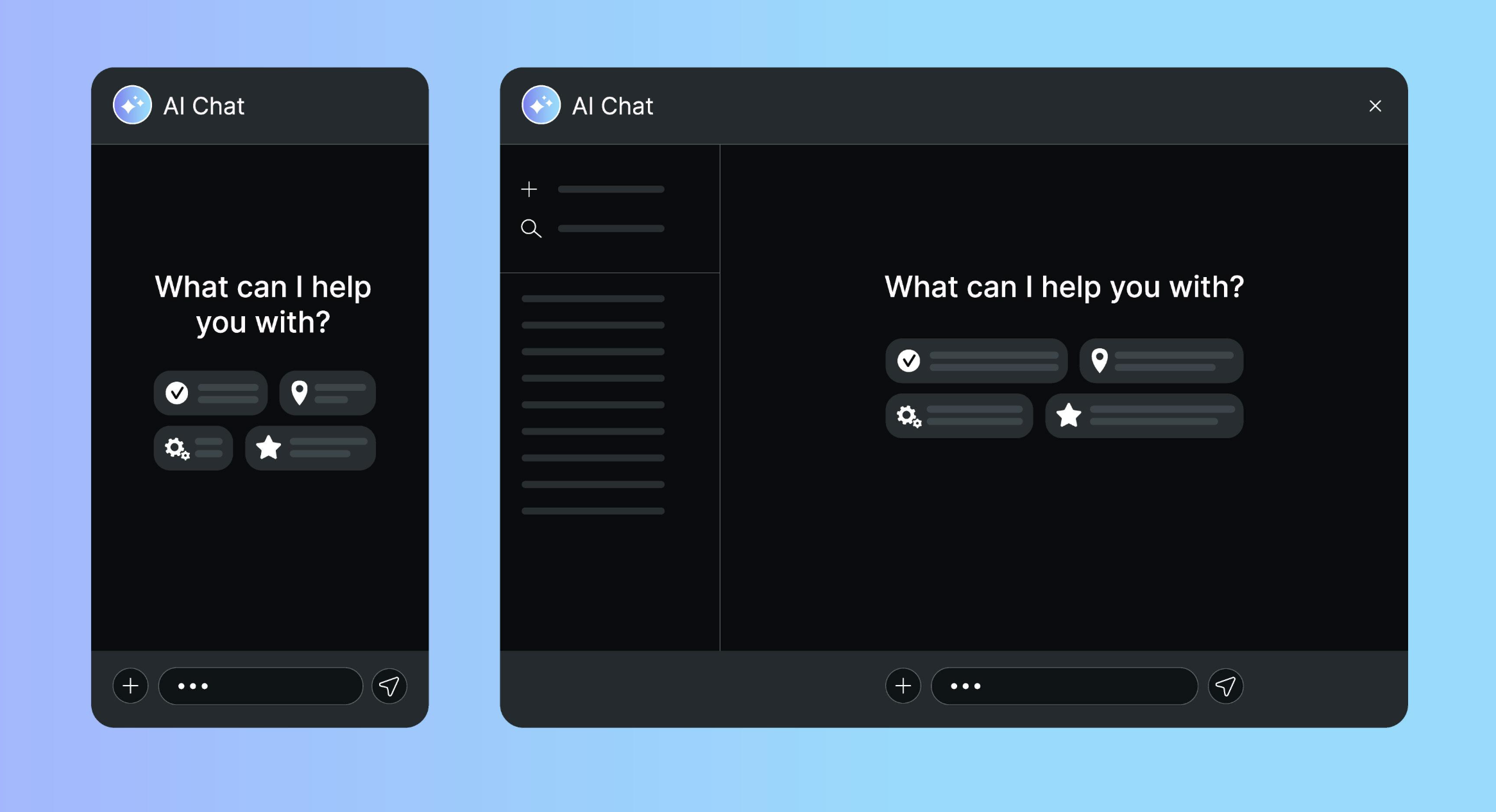
How to Integrate AI Into Your Website or App
In today’s rapidly evolving digital landscape, artificial intelligence (AI) has become a powerful tool for enhancing user experiences, automating tasks, and driving business growth. From chatbots and recommendation engines to predictive analytics and image recognition, AI integration can transform your website or application into a smart, efficient, and user-centric platform. In this blog post, we’ll explore the steps to successfully integrate AI into your digital product.
1. Identify Your Goals and Use Cases
The first step in integrating AI into your website or app is to clearly define your objectives. What problems are you trying to solve? What user needs can AI address? Common use cases for AI integration include:
- Chatbots and Virtual Assistants: For customer support, FAQs, and personalized recommendations.
- Recommendation Engines: To suggest products, content, or services based on user behavior.
- Predictive Analytics: For forecasting trends, user actions, or sales.
- Image and Video Processing: For facial recognition, object detection, or content moderation.
- Natural Language Processing (NLP): For sentiment analysis, language translation, or voice-to-text functionality.
2. Choose the Right AI Tools and Platforms
Once you’ve identified your goals, the next step is to select the appropriate AI tools and platforms. There are two main approaches to AI integration:
Pre-built AI Services
- Google Cloud AI: Offers pre-trained models for vision, language, and structured data.
- AWS AI Services: Includes Amazon Rekognition, Lex, and Polly for image analysis, chatbots, and text-to-speech.
- Microsoft Azure AI: Provides cognitive services for vision, speech, and decision-making.
These platforms offer ready-to-use AI capabilities, making integration easier for developers with limited machine learning expertise.
Custom AI Development
If your use case requires a unique solution, consider building custom AI models. This approach involves:
- Data collection and preprocessing.
- Model training using frameworks like TensorFlow, PyTorch, or scikit-learn.
- Model optimization and deployment.
- Ongoing monitoring and improvement.
3. Data Collection and Preparation
AI models rely on data to function effectively. Ensure you have access to high-quality, relevant data. Data preparation involves:
- Cleaning and Preprocessing: Removing noise, handling missing values, and normalizing data.
- Data Annotation: Labeling data for supervised learning tasks.
- Data Security: Implementing robust data protection measures to ensure privacy and compliance with regulations like GDPR.
4. Implementation and Integration
With your AI solution ready, the next step is to integrate it into your website or app. Consider the following:
APIs and SDKs
Most AI platforms offer APIs or SDKs that simplify integration. For example:
- Dialogflow (Google) for building chatbots.
- OpenAI API for text generation and summarization.
- TensorFlow Serving for deploying custom models.
Performance Optimization
Optimize your AI solution for speed and efficiency. Consider:
- Model Optimization: Using techniques like quantization or pruning to reduce model size.
- Latency Reduction: Implementing caching or edge computing to improve response times.
Security Measures
Protect user data and AI models from threats by:
- Encryption: Securing data in transit and at rest.
- Access Controls: Restricting access to sensitive AI components.
- Vulnerability Monitoring: Regularly assessing your system for potential risks.
5. Testing and Deployment
Before launching, thoroughly test your AI integration to ensure it works as intended. Test for:
- Accuracy: Does the AI perform its intended tasks correctly?
- Usability: Is the AI interaction intuitive and helpful for users?
- Scalability: Can the AI handle increased user demand?
Once testing is complete, deploy your AI solution using CI/CD pipelines to automate updates and improvements.
6. Monitoring and Maintenance
AI systems require ongoing monitoring to ensure optimal performance. Track key metrics like:
- Accuracy: Are predictions still reliable?
- Latency: Is response time acceptable?
- User Engagement: Are users finding value in the AI features?
Set up feedback loops to continuously improve your AI models based on real-world usage and user feedback.
7. Best Practices for AI Integration
- Privacy by Design: Build privacy and security into your AI from the ground up.
- Ethical AI: Ensure your AI solutions are fair, unbiased, and transparent.
- User Education: Help users understand the benefits and limitations of AI features.
- Documentation: Maintain clear documentation for developers and stakeholders.
8. Benefits of AI Integration
Integrating AI into your website or app can provide numerous benefits, including:
- Enhanced User Experiences: Personalized interactions and intelligent recommendations.
- Automation: Streamlined processes and reduced manual workload.
- Data-Driven Insights: Actionable insights for informed decision-making.
- Competitive Advantage: Staying ahead in a rapidly evolving digital landscape.
9. Case Studies and Success Stories
Many businesses have successfully integrated AI into their digital products:
- Netflix: Uses AI for personalized recommendations, reducing churn by 75%.
- Spotify: Leverages AI for music discovery and personalized playlists.
- Amazon: Utilizes AI for product recommendations and supply chain optimization.
Conclusion
Integrating AI into your website or app can unlock powerful capabilities, from enhancing user experiences to automating complex tasks. By following the steps outlined in this post—defining your goals, choosing the right tools, preparing your data, and ensuring ongoing monitoring—you can successfully implement AI to drive growth and innovation.
Remember to keep your AI solutions ethical, transparent, and user-centric. With the right approach, AI integration can transform your digital product into a smarter, more efficient platform that delivers real value to your users.