
Design Systems: Why Your Product Needs One
In the early stages of a product’s lifecycle, design is often intuitive. A designer creates a few screens in Figma, a developer builds them using a handful of CSS classes, and the product launches. Everything feels cohesive because the scope is small.
However, as a product scales, this organic approach quickly becomes a liability. Suddenly, you have four different shades of “primary blue,” three different styles of buttons, and a sprawling library of components that are slightly different from one another. This phenomenon is known as design debt.
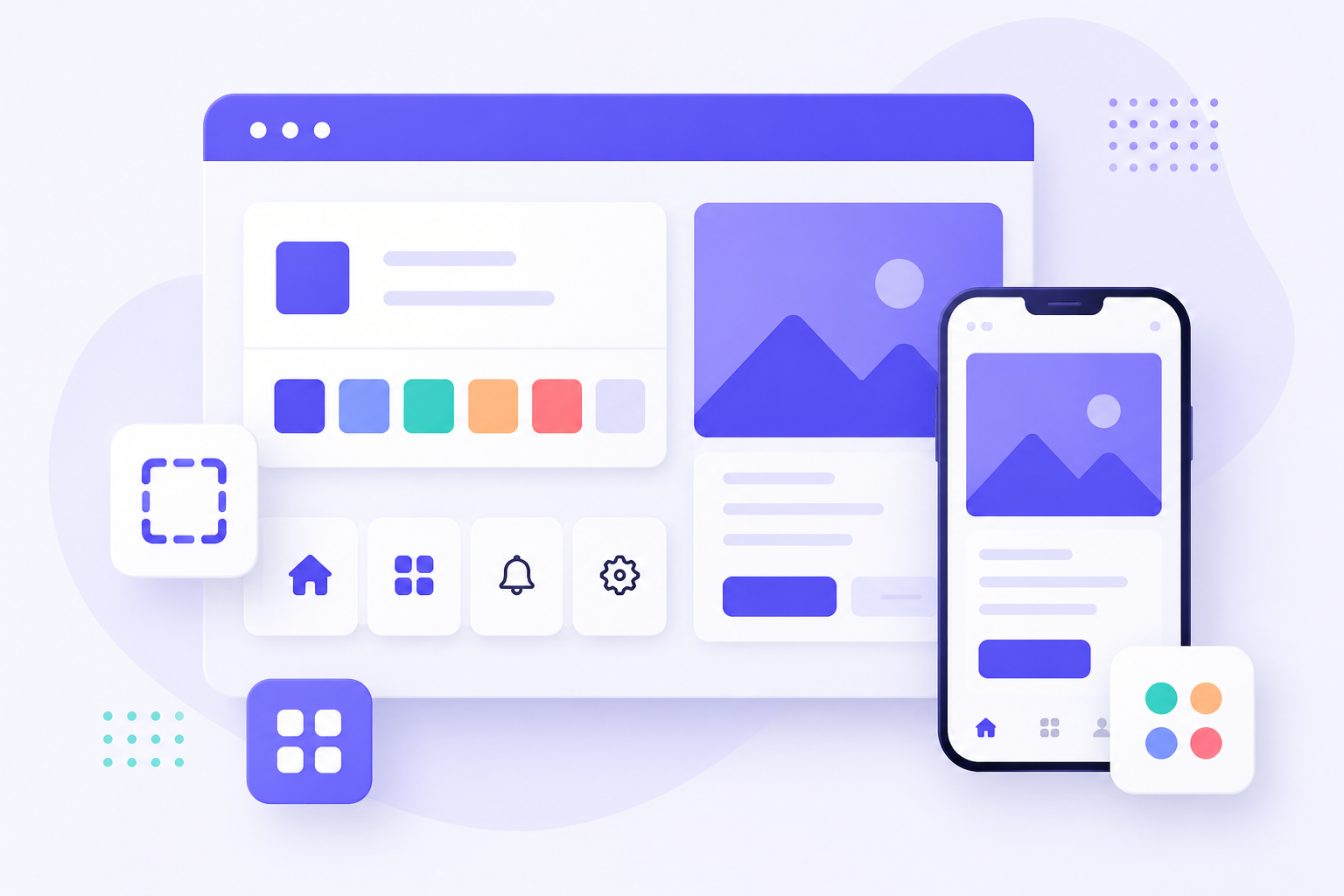
To combat this, industry leaders like Google (Material Design), Shopify (Polaris), and Atlassian have pioneered the use of Design Systems. But a design system is more than just a UI kit or a style guide—it is a comprehensive ecosystem of reusable components, guided by clear standards, that can be assembled to build any number of applications.
Here is why your product needs a design system and how it transforms the way your team builds software.
What Exactly is a Design System?
Before diving into the “why,” it is critical to define the “what.” Many people mistake a UI Kit or a Pattern Library for a design system. While those are parts of the whole, they are not the system itself.
A true design system consists of three primary pillars:
- The Style Guide: The visual DNA of the product. This includes color palettes, typography, iconography, spacing scales, and grid systems.
- The Component Library: A collection of reusable UI elements (buttons, inputs, modals, navigation bars) that are coded and designed to be dropped into any page.
- The Documentation: The “rulebook.” This explains how and when to use specific components. For example, it defines when to use a “Primary Button” versus a “Secondary Button.”
Think of it as a LEGO set. The style guide defines the colors and shapes of the bricks; the component library provides the bricks themselves; and the documentation is the instruction manual that ensures everyone builds the castle the same way.
The Core Benefits: Why Your Product Needs One
1. Unrivaled Visual Consistency
Consistency is the bedrock of a professional user experience (UX). When a user encounters a button on the settings page that looks and behaves exactly like the button on the checkout page, they develop “muscle memory.” This reduces cognitive load, making the interface feel intuitive.
Without a design system, inconsistency creeps in. One designer might use a 8px border radius for cards, while another uses 12px. To the casual observer, it might seem minor, but these discrepancies create a “fragmented” feel that erodes user trust. A design system ensures that every touchpoint of your product feels like it was created by a single, unified hand.
2. Drastic Increase in Speed and Efficiency
The most immediate benefit of a design system is the elimination of redundant work.
Without a Design System:
Whenever a new feature is needed, the designer must design the UI from scratch. The developer then writes new CSS and HTML to match that design. If that same component is needed in another part of the app, the process is repeated—or worse, the developer “copy-pastes” old code, creating a messy codebase.
With a Design System:
The designer drags and drops a pre-existing “Search Bar” component from the library. The developer pulls the <SearchBar /> component from the codebase. Because the component is already tested, accessible, and styled, the time from ideation to production is cut by a significant margin.
3. Seamless Collaboration Between Design and Engineering
One of the biggest frictions in product development is the “handoff.” The gap between a static design file and a live codebase is where most errors occur.
A design system bridges this gap by creating a common language. Instead of a designer telling a developer, “Make this blue, kind of like #3B82F6, and maybe give it some padding,” they simply say, “Use the Primary Button component with the Small padding variant.”
When both teams use the same nomenclature (known as Design Tokens), the friction disappears. The “translation” phase of development is replaced by a shared understanding, leading to fewer bugs and fewer endless feedback loops.
4. Scalability and Easier Maintenance
Imagine you have a product with 100 different pages, all using a specific shade of blue for the primary action buttons. Your brand decides to rebrand to a deep purple.
- The Manual Way: You have to find every instance of that blue across hundreds of CSS files and update them individually. You will inevitably miss a few, leaving your product looking patchy.
- The System Way: You change the value of the
color-primarytoken in one central file. Instantly, every single button across the entire product updates to the new purple.
This “single source of truth” makes global updates effortless and allows your product to evolve without the risk of breaking the UI.
The Practical Impact: Examples in Action
To understand the value, let’s look at how a design system handles common product scenarios compared to the traditional approach.
Scenario A: Adding a New Form
- Old Way: The designer spends two hours designing a form layout. The developer spends four hours writing CSS for the inputs, labels, and validation errors.
- System Way: The team uses the
FormInputandFormLabelcomponents. The layout is assembled in minutes. The developer focuses on the logic (the “how it works”) rather than the styling (the “how it looks”).
Scenario B: Onboarding a New Hire
- Old Way: A new designer spends their first two weeks asking, “Which font do we use for H3s?” or “Do we use a shadow on our modals?” and digging through old Figma files to find “what looks right.”
- System Way: The new hire is given a link to the Documentation site. They spend an afternoon reading the guidelines and are immediately productive, building screens that look like they’ve been part of the product for years.
Overcoming the “Upfront Cost” Argument
The most common objection to building a design system is the initial investment. “We don’t have time to stop everything and build a system; we need to ship features.”
This is a classic case of short-term gain versus long-term debt. While building a system takes time upfront, it is an investment that pays dividends in every single sprint thereafter.
| Feature | Without Design System | With Design System |
|---|---|---|
| Design Phase | Slow (Creating from scratch) | Fast (Assembling components) |
| Dev Phase | Slow (Custom coding every UI) | Fast (Implementing components) |
| QA Phase | High (Checking every single page) | Low (Testing the component once) |
| Maintenance | Nightmare (Manual updates) | Simple (Global token updates) |
By investing in a system now, you are essentially automating the most repetitive parts of your production pipeline.
How to Start (Without Overwhelming Your Team)
You don’t need to build a massive, Atlassian-level system on day one. The best way to implement a design system is atomically. Follow these steps:
Step 1: Audit Your UI
Go through your current product and take screenshots of every single button, input, dropdown, and header. You will likely be shocked to find that you have five different versions of the same button. This “UI Audit” creates the urgency needed to justify the system.
Step 2: Define Your Tokens
Start with the basics. Define your:
- Colors: Brand, success, error, warning, and neutral palettes.
- Typography: H1, H2, H3, Body, and Caption styles.
- Spacing: A consistent scale (e.g., 4px, 8px, 16px, 24px, 32px).
Step 3: Build the “Atoms”
Start with the smallest possible components. Create a single, perfect Button. Create a single, perfect Input field. Once these “atoms” are solidified and documented, you can combine them to create “molecules” (like a Search Bar, which is an Input + a Button).
Step 4: Document the “Why”
A component without a rule is just a drawing. Write a short guide for each component:
- Usage: “Use the Primary Button for the main action of the page.”
- Avoid: “Do not use more than one Primary Button per screen.”
Conclusion
In a competitive market, the quality of the user experience can be a primary differentiator. A product that feels polished, intuitive, and consistent signals reliability and professionalism to the user.
A design system is not a project with a finish line; it is a living product that evolves alongside your business. While the initial effort is significant, the results—accelerated development cycles, a unified brand identity, and a happier, more synchronized team—are indispensable.
If your team is spending more time arguing about pixels than solving user problems, it’s time to stop building pages and start building a system.